
Plugin (style)
You can load your own style sheet (css) on the screen of Exment and change the design.
How to make
Here, as an example, create a style that makes the text color of the entire site red. 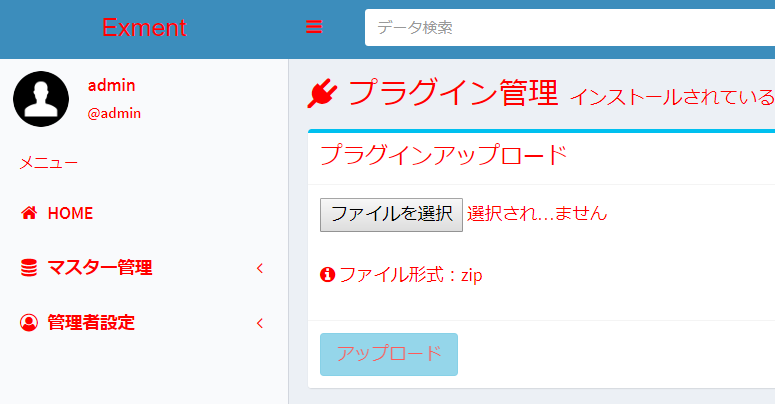
Create config.json
- Create the following config.json file.
{
    "plugin_name": "SetStyle",
    "uuid": "b5c0a5d2-2716-1937-98d0-b490c1ebc544",
    "plugin_view_name": "Style test",
    "description": "Style test",
    "author": "(Your Name)",
    "version": "1.0.0",
    "plugin_type": "style",
    "cdns": []
}- plugin_name should be written in alphanumeric characters.
uuid is a character string of 32 characters + hyphen, totaling 36 characters. Used to make the plugin unique.
Please create from the following URL etc.
https://www.famkruithof.net/uuid/uuidgen - For plugin_type, enter style.
- (Optional) Enter cdns if you want to load related libraries on CDN. Enter the full path of http or https in the array.
css file creation
- Create the following css file. The name is one-byte alphanumeric characters and you can give it any name. In this sample, it is "style.css".
<!-- style.css -->
*{
    color:red !important;
}- Please place the created style sheet in the "public" folder.
Multiple style sheets can be placed if the extension is "css". If you need related libraries, place them all in a folder.
Compress to zip
Compress to zip.
The zip file name should be "(plugin_name) .zip".
- SetStyle.zip
- config.json
- public folder
- style.css
Plugin upload
Please upload the created zip file on the plugin page.
important point
All uploaded css files will be read when the screen is first loaded. Also, the uploaded css files are called out of order (basically in order of name) (but after the css of jquery, bootstrap, adminLTE). Please implement in a way that does not depend on the reading order.
In the data of each table, a class named "custom_value_ (table name)" is defined.
If you want to execute the script only on a specific table, set the refinement by the above class name.
※ Example: "User" screen: "custom_value_user", "Organization" screen: "custom_value_organization"