
Initial setting
After installation, it is the initial setup procedure such as the first administrator login ID setting.
URL access
Access the Exment page.
http(s)😕/(your site URL)
Note: the URLs are for the default without "/admin" (a site newly installed with v7.2.1 or later). If
ADMIN_ROUTE_PREFIXin.envhas a value (an older site has "admin"), add it after the URL of the site (e.g.http(s)://(Exment URL)/admin/oauth/token). For details, see Change / delete "admin" included in URL.
Initial setting screen
If the installation has been completed successfully, the Exment initial setting screen will be displayed.
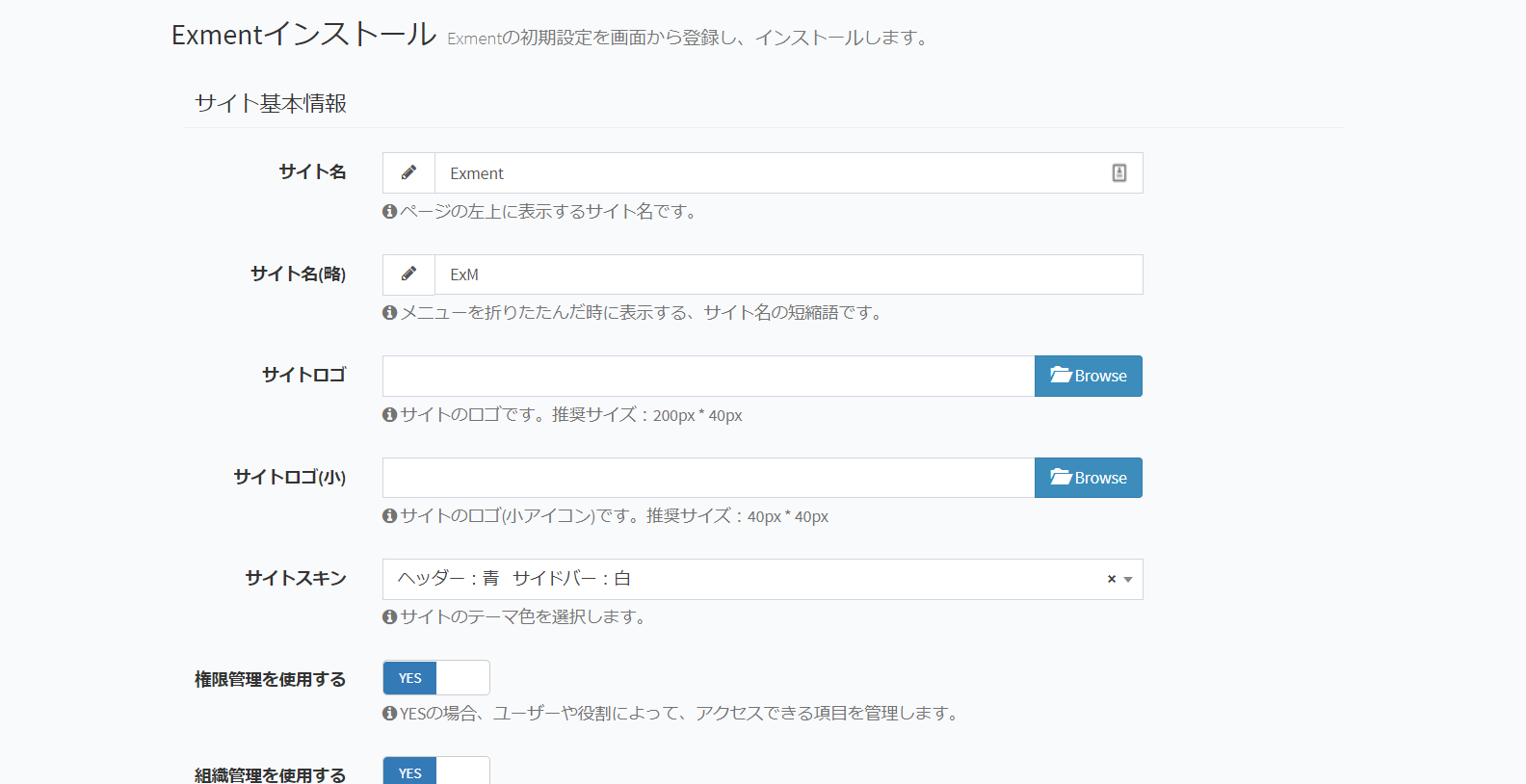 Enter the information required to set up the system.
※Please refer to here for details.
Template settings
Exment provides templates in advance.
By selecting a template, the table, column, form, menu, and permission information set in the selected template will be installed.
You can also upload a template exported by another Exment from this screen.
For details, see "Template" in the left menu.
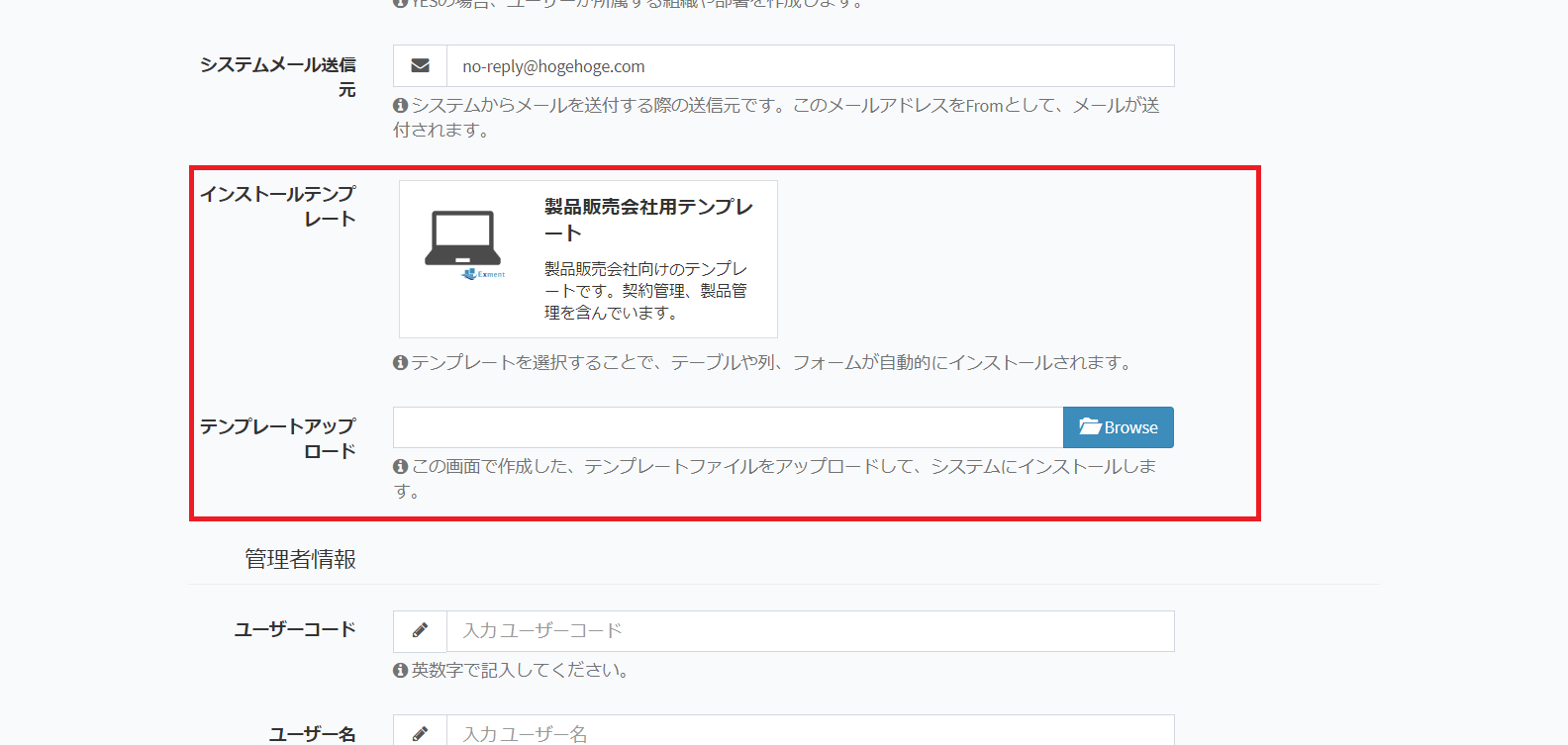
A list of templates installed in the system in advance or templates that have been imported in the past is displayed.
If you want to install, select the template you want to add.
Initial setting completed
After entering the necessary information, click the "Submit" button to save the settings and enable Exment.