
Settings for notifying Webhook
To notify Slack and Microsoft Teams, you need to get a URL called a webhook.
This section describes how to get Webhook URL.
Slack acquisition procedure
Access the following URL.
https://slack.com/services/new/incoming-webhookSelect a channel to notify.
Then, click Add Incoming Webhook Integration.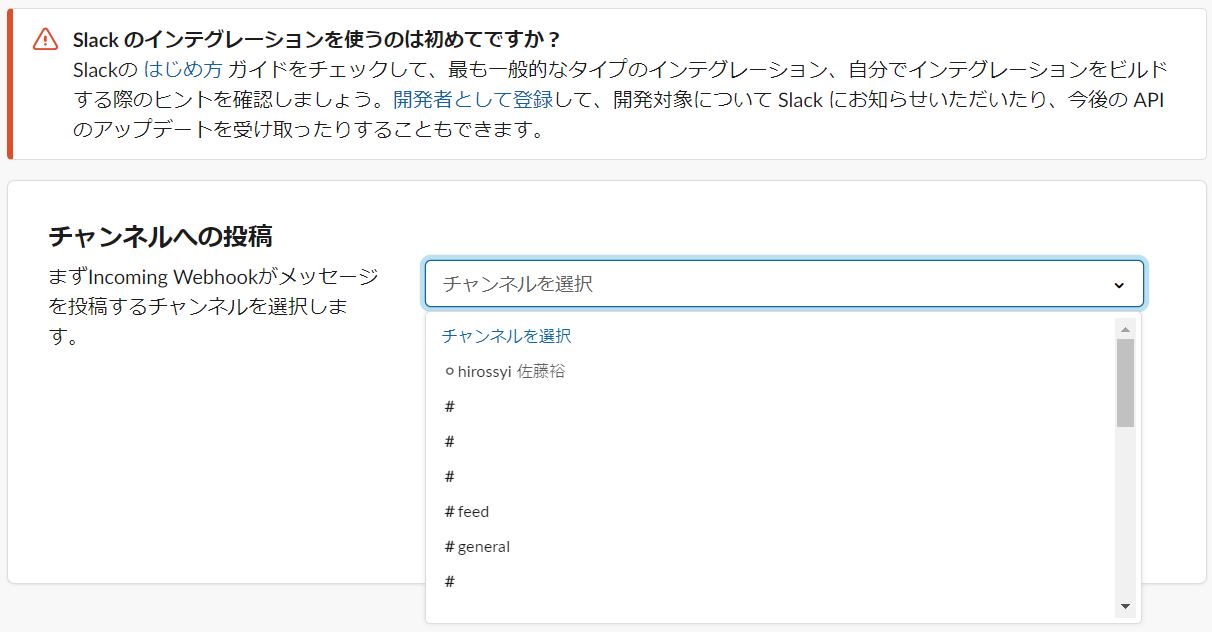
A Webhook URL is created, so copy it.
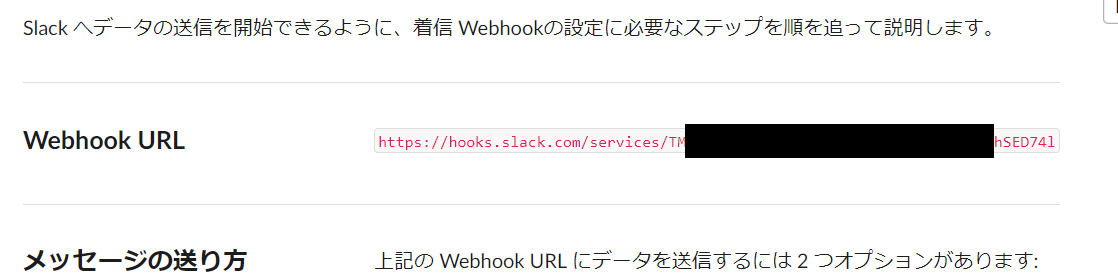
Paste the copied Webhook URL into the notification settings of Exment.
Exment currently has the following notification types:
Microsoft Teams acquisition procedure
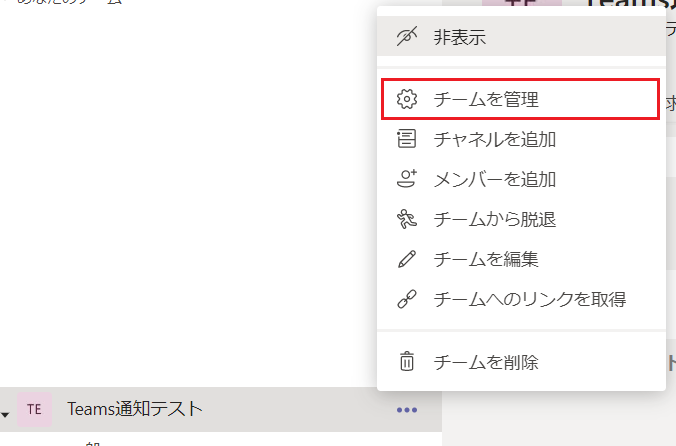
Open Teams and click "Manage Team" for the team you want to notify.
Click the Apps tab.
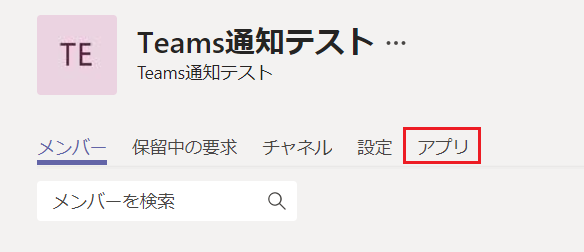
Click the "Other apps" tab.

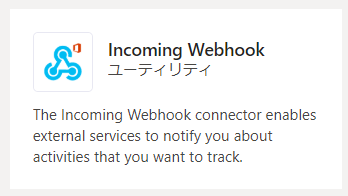
Click Incoming Webhook.
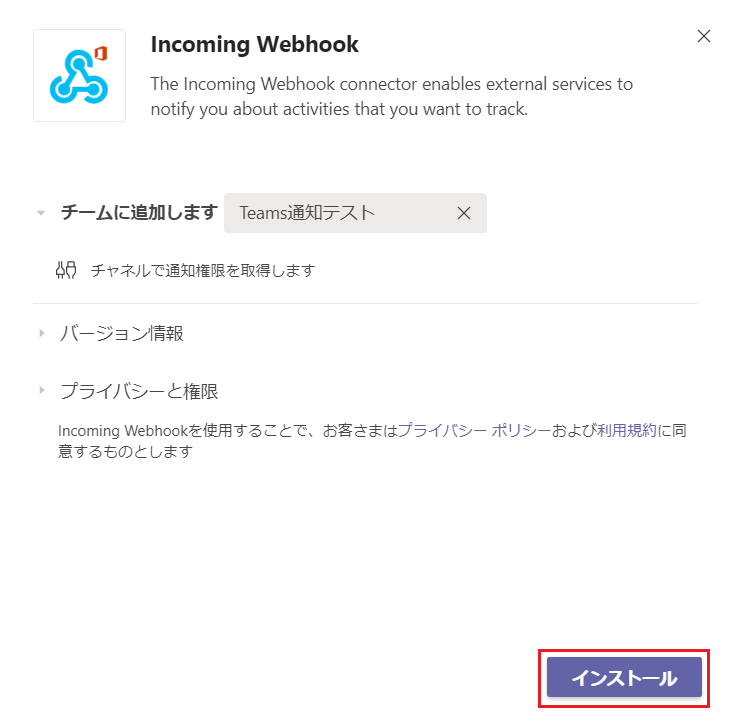
Click "Install".
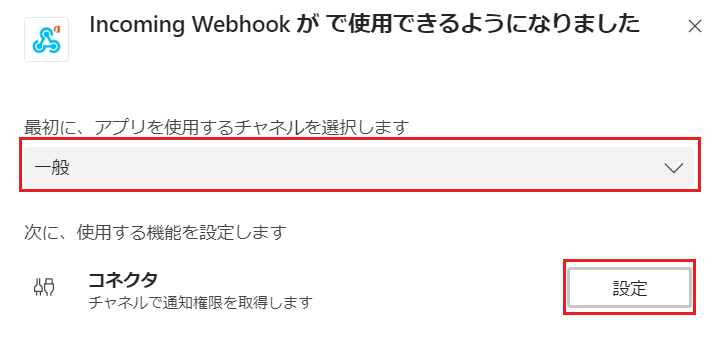
Select the channel for notification. Then, click “Settings”.
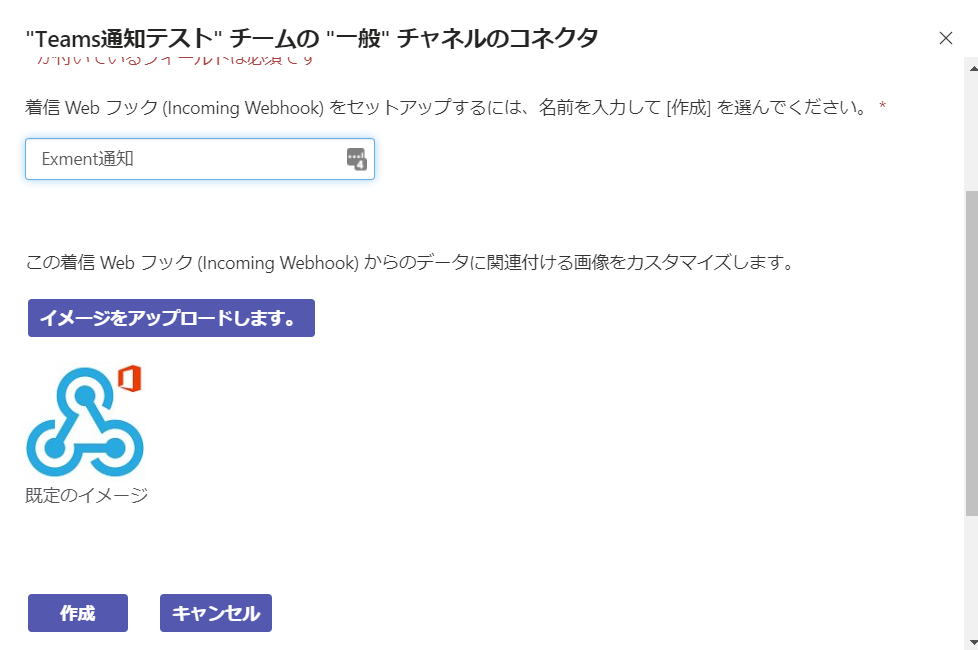
Enter a name to use for the notification and click Create.
A Webhook URL will be created. Copy the URL and click Finish.
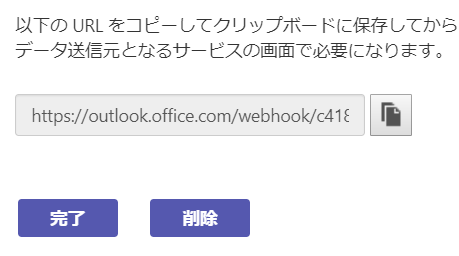
Paste the copied Webhook URL into the notification settings of Exment.